Instagram Profile Picture Guide 2024
Like most websites we use cookies for analytics and to show Personalized Advertising to our visitors for visitor discretion. Anyway, it does not directly personalise you, but it allows you to receive a customised web experience. Due to the importance of this situation, you have the right to manage your privacy preferences and opt out of certain cookies being placed on your device. However, if you choose to block some cookies, it may subsequently reduce the ease of utilising certain aspects of the site and the services that are provided. For more details, you may go through our cookie policy, which has been disclosed regarding the use of these cookies.
Instagram Profile Picture Guide 2024
When someone lands on your Instagram page, the first thing that catches their eye is your profile picture. It serves as a powerful snapshot of your brand or personality. Choosing the right profile photo is key to making a great first impression, attracting your target audience, and standing out in the crowded Instagram feed.
Below, we’ll explore why your profile picture matters, share creative ideas to make yours shine, and show you how to easily update it to keep your profile fresh. Whether you’re a business looking to boost your brand or an influencer wanting to connect with more followers, your profile picture is a powerful tool for growth.
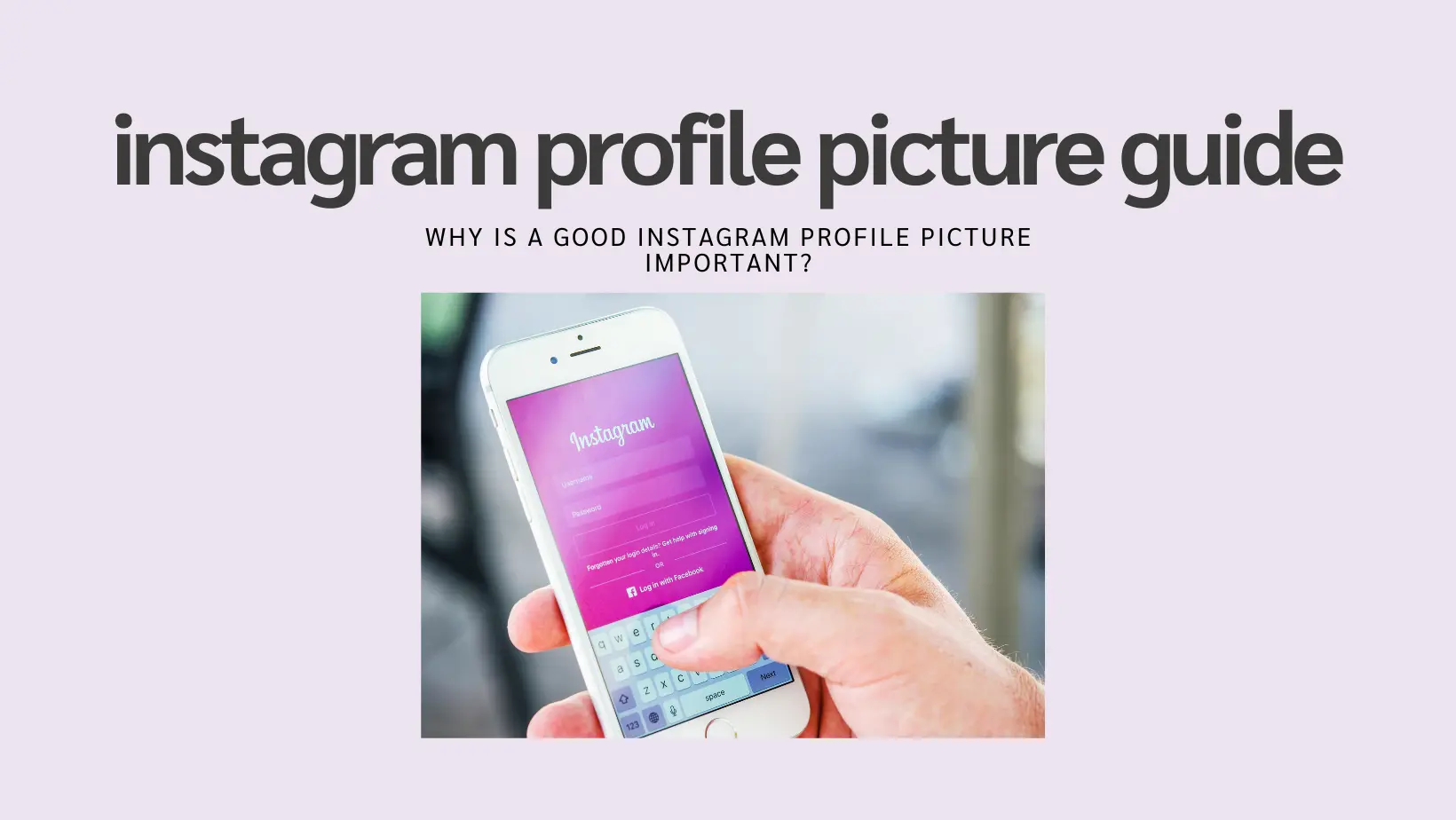
Why is a Good Instagram Profile Picture Important?
When visitors land on your Instagram profile, your profile picture is often the first thing that catches their eye. It’s important to make a lasting impression that accurately reflects your brand and resonates with your target audience.
Here are just a few reasons why choosing a good Instagram profile photo pays off:
Establish Brand Identity: Your profile photo should align with your overall brand aesthetic and convey the essence of your content or business.
Attract Your Target Audience: Choose a photo that resonates with the people you want to connect with on Instagram.
Stand Out from the Crowd: A unique and eye-catching profile photo can help you stand out in a crowded feed and make your page more memorable.
Build Trust: A professional and polished profile photo can help you appear more trustworthy and credible to potential followers.
How to Choose a Good Instagram Profile Photo
Choosing the right Instagram profile picture is important to growing your brand and finding your audience. Keeping your profile picture on-brand and easy to see are two key parts of a good Instagram profile photo. Below, we cover some more ideas and tips for choosing the right profile photo.
Instagram profile picture ideas
In search of inspiration for a standout Instagram profile picture? Here are some creative ideas to help you choose a photo that will make your profile pop:
- Use a High-Quality Image: Ensure your profile picture is clear and high-resolution. Blurry or pixelated images can make your profile look unprofessional.
- Show Your Face: If you are an influencer or personal brand, using a close-up of your face can help followers connect with you on a personal level.
- Incorporate Your Logo: For businesses, using a logo as your profile picture can help reinforce brand recognition.
- Choose Bright Colors: Bright and vibrant colors can make your profile picture stand out in the Instagram feed.
- Keep It Simple: Avoid cluttered images. A simple, clean photo is often more effective.
- Use Consistent Branding: Make sure your profile picture matches the overall aesthetic of your Instagram feed.
How to Update Your Instagram Profile Picture
Updating your Instagram profile picture is a simple process. Follow these steps to keep your profile fresh and engaging:
- Open Instagram: Launch the Instagram app on your mobile device.
- Go to Your Profile: Tap on your profile icon in the bottom right corner of the screen.
- Edit Profile: Tap the “Edit Profile” button located below your bio.
- Change Profile Photo: Tap on “Change Profile Photo” and select a new image from your gallery or take a new photo.
- Adjust and Save: Adjust the size and position of your new profile picture, then tap “Done” to save your changes.
Tips for Maintaining a Great Profile Picture
Once you’ve chosen and updated your profile picture, it’s important to maintain it. Here are some tips to ensure your profile picture continues to represent your brand effectively:
- Regular Updates: Periodically update your profile picture to keep it current and relevant.
- Seasonal Changes: Consider changing your profile picture to reflect seasonal themes or special events.
- Consistency Across Platforms: Use the same profile picture across all your social media platforms to maintain brand consistency.
- Monitor Feedback: Pay attention to how your audience responds to your profile picture and make adjustments if necessary.
By following these tips and ideas, you can create a compelling Instagram profile picture that helps you connect with your audience, build your brand, and stand out in the crowded world of social media. Remember, your profile picture is often the first impression you make, so make it count!
If you want to boost your brand or business, here are some tried-and-true profile photo ideas worth exploring:
Headshots: A clear, well-lit headshot can be an effective profile photo for individuals, especially if you’re a public figure, influencer, or content creator. A headshot allows your audience to see who you are, making it easier for them to connect with you on a personal level. Ensure that the background is simple and not distracting, so the focus remains on your face.
Logo or Brand Symbol: A recognizable logo or brand symbol can be a great profile photo for businesses or brands. This helps in reinforcing brand identity and making your profile easily identifiable. Make sure the logo is high-resolution and fits well within the circular frame of Instagram profile pictures.
Lifestyle or Product Shots: If you’re a business that sells products or services, consider using a lifestyle or product shot that showcases your offerings. This not only highlights what you sell but also gives potential customers a glimpse into how your products can be used in real life. Choose images that are vibrant and engaging to draw attention.
Illustrations or Graphics: Unique illustrations or graphics can be an eye-catching profile photo for creative individuals or businesses. This is especially effective for artists, designers, or anyone in the creative field. Custom illustrations can set you apart from others and give a unique touch to your profile.
Tips for choosing your Instagram photo
Whether you opt for a logo, headshot, or another image, here are key tips and strategies to help your Instagram profile picture stand out:
Choose a clear, high-quality image: Make sure your profile photo is sharp, well-lit, and easily visible, even on smaller screens. A high-quality image conveys professionalism and attention to detail, which can positively impact how your audience perceives you.
Consider your brand colors and style: Use colors and styles that complement your overall brand identity and make your profile photo visually appealing. Consistency in color schemes and styles across your profile can help in creating a cohesive and professional look.
Keep it simple and recognizable: Avoid cluttered or busy images that can be difficult to see on a small screen. Opt for a simple, recognizable image that represents you or your brand. Simplicity often translates to better recognition and recall.
Use a consistent profile photo across platforms: For better brand recognition, use the same profile photo across all your social media platforms and online profiles. This consistency helps in building a strong and recognizable brand presence.
Update your profile photo regularly: Consider updating your profile photo to reflect changes in your brand, new projects, or special occasions. Regular updates keep your profile fresh and show that you are active and engaged with your audience.
How to Add or Change a Profile Picture on Instagram
Regularly updating your profile picture is a great way to keep your brand’s social media presence fresh and engaging, while also reflecting on new projects or special occasions. Changing your Instagram profile picture is a straightforward process that can be completed in just a few simple steps.
How to change your profile picture on Instagram:
- Open the Instagram app and go to your profile.
- Click ‘Edit profile’ below your Instagram bio.
- Tap your profile photo and select either ‘Choose from library’, ‘Import from Facebook’, or ‘Take photo’. You can also remove your current Instagram profile picture.
- Tap ‘Done’ after choosing your new Instagram profile picture.
How to change your profile picture from the Meta Accounts Center:
- Open the Instagram app and go to your profile.
- Tap the three bars located in the upper right-hand corner of your profile.
- Select ‘Accounts Center’.
- Tap ‘Profiles’ to access all your connected Meta accounts.
- Choose the Instagram profile you want to edit.
- Click ‘Profile picture’.
- Choose your new profile photo to preview.
- Edit, and select ‘Save’.
Instagram profile picture dimensions
While Instagram displays profile pictures as circles with a default size of 110 x 100 pixels, it’s best to opt for larger dimensions of 320 x 320 pixels for better quality. Since Instagram crops square pictures into circles for their profiles, choosing the 320 x 320-pixel size guarantees a sharp, clear image without any distortion or blurriness. This ensures that your profile picture looks professional and appealing, even on larger screens.
View and Download Instagram Profile Photos
Instagram is a visual platform that allows users to express their personality and brand through photos, videos, stories, and, of course, e-profile pictures. Viewing and downloading Instagram profile photos can be useful for various reasons, such as analyzing competitors, getting inspiration, or simply keeping a record of your own profile changes.
To view and download Instagram profile photos, you can use various online tools and apps designed for this purpose. These tools allow you to enter the username of the Instagram account and view the profile picture in full size. Some tools also offer the option to download the profile picture for offline use. However, it’s important to respect privacy and use these tools responsibly.
By following these guidelines and tips, you can create a compelling Instagram profile picture that helps you connect with your audience, build your brand, and stand out in the crowded world of social media. Remember, your profile picture is often the first impression you make, so make it count!
If you’re interested in viewing or downloading someone’s profile picture, navigating the process is easy. Here’s how to get started:
How to view someone’s profile picture
Open the Instagram app.
Go to the Instagram profile of the person you want to view.
Tap their profile picture on the left-hand side of the screen.
If they have an Instagram Story currently posted, long press on their profile picture to expand to view.
If you want to see someone’s Instagram profile picture in full resolution, you can use an online tool to view it. Just copy the URL of the profile you’re interested in and paste it into a third-party Instagram profile picture viewer. These tools allow you to see the profile pic in its original, high-quality format. There are several reputable sites that offer this service. Some of these tools are user-friendly and do not require any technical skills, making it easy for anyone to use them. Simply follow the instructions provided on the website, and you will be able to view the profile picture in no time.
How to download an Instagram profile picture
Copy the URL of the profile picture you wish to download.
Open a profile picture downloader tool like InstaDP, Inflact, or HiDownloader.
Paste the copied URL of the profile whose picture you want to download.
Click on the ‘Download’ button to save the image to your device.
These tools are designed to be straightforward and efficient, allowing you to download the profile picture in just a few clicks. Make sure to choose a reliable tool to ensure the quality of the downloaded image is maintained. Once downloaded, you can save the image to your device and use it as needed. Remember to respect the privacy of others and use these tools.